Deep Space Observatory
Please, rate this game
Whishlist on Steam! 🤗
About Game
Deep Space Observatory is an atmospheric incremental/idle game dedicated to deep space exploration.
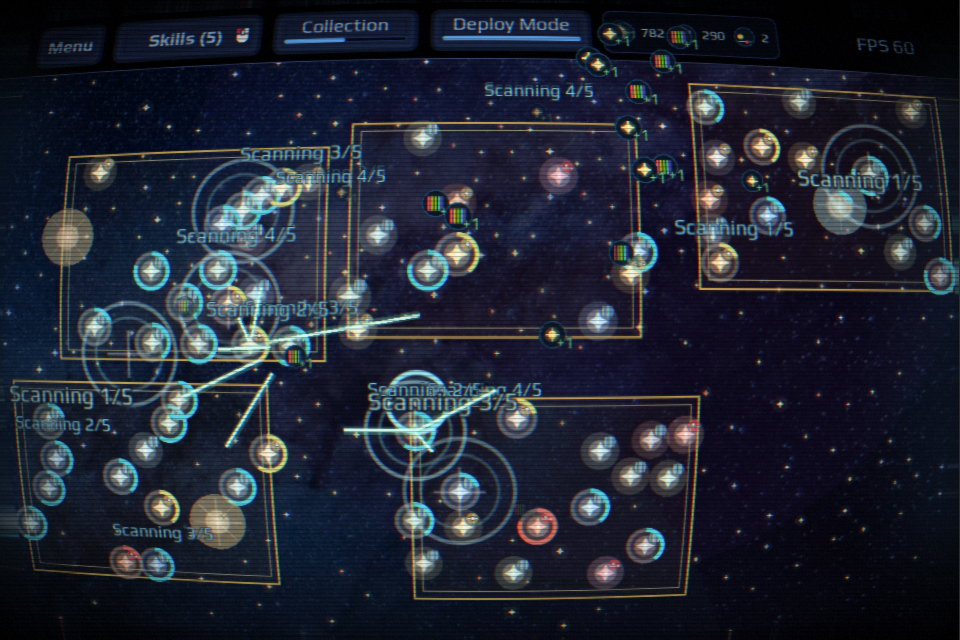
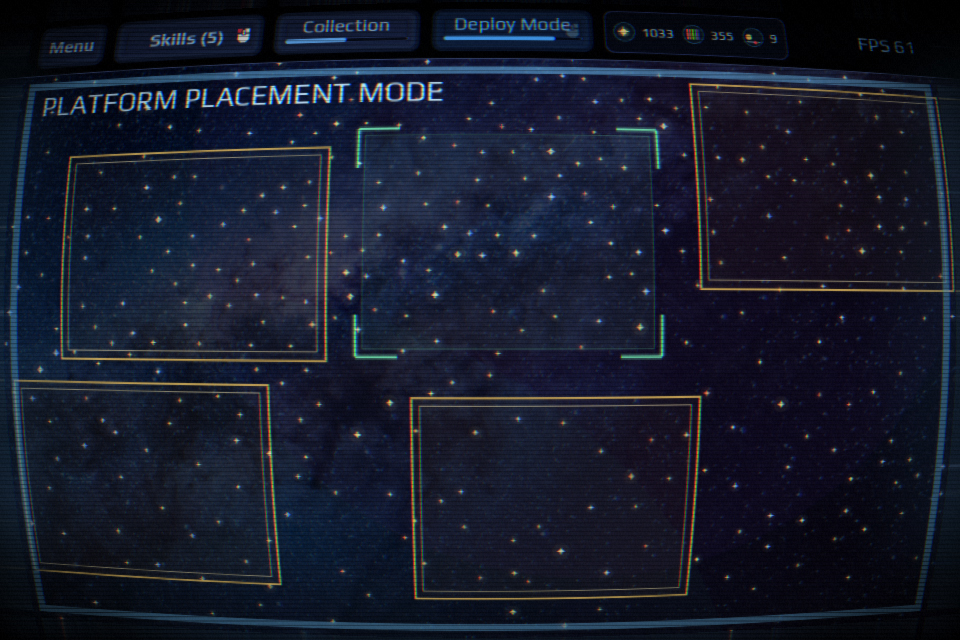
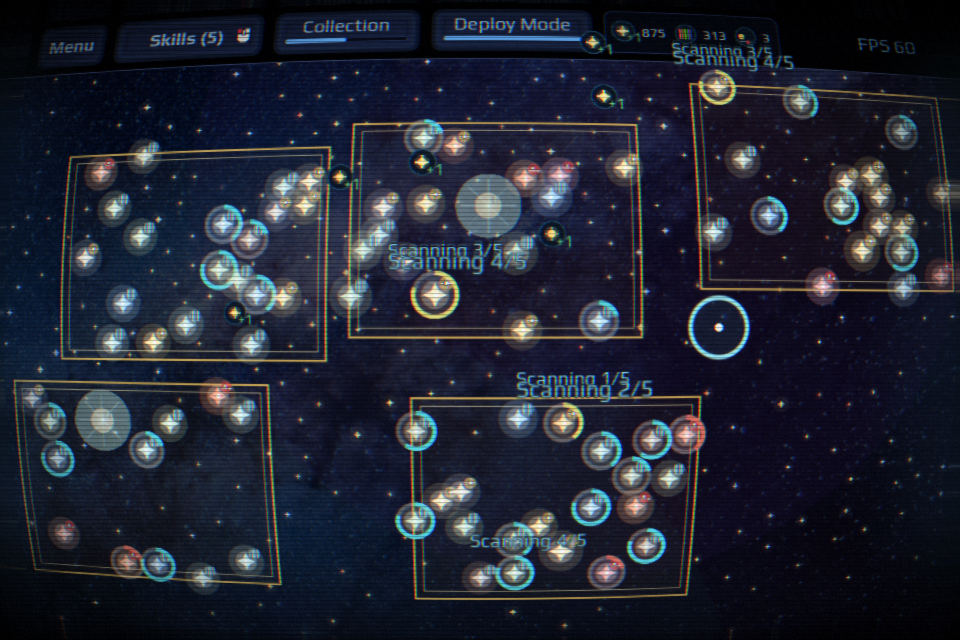
Explore the star map simply by hovering your cursor over glowing anomalies. Collect scientific data and deploy observation platforms. Every new upgrade changes the pace of your expedition: more objects appear on the map, your scanning radius expands, auto-scanners are unlocked, collection chains are formed, and new data types emerge.
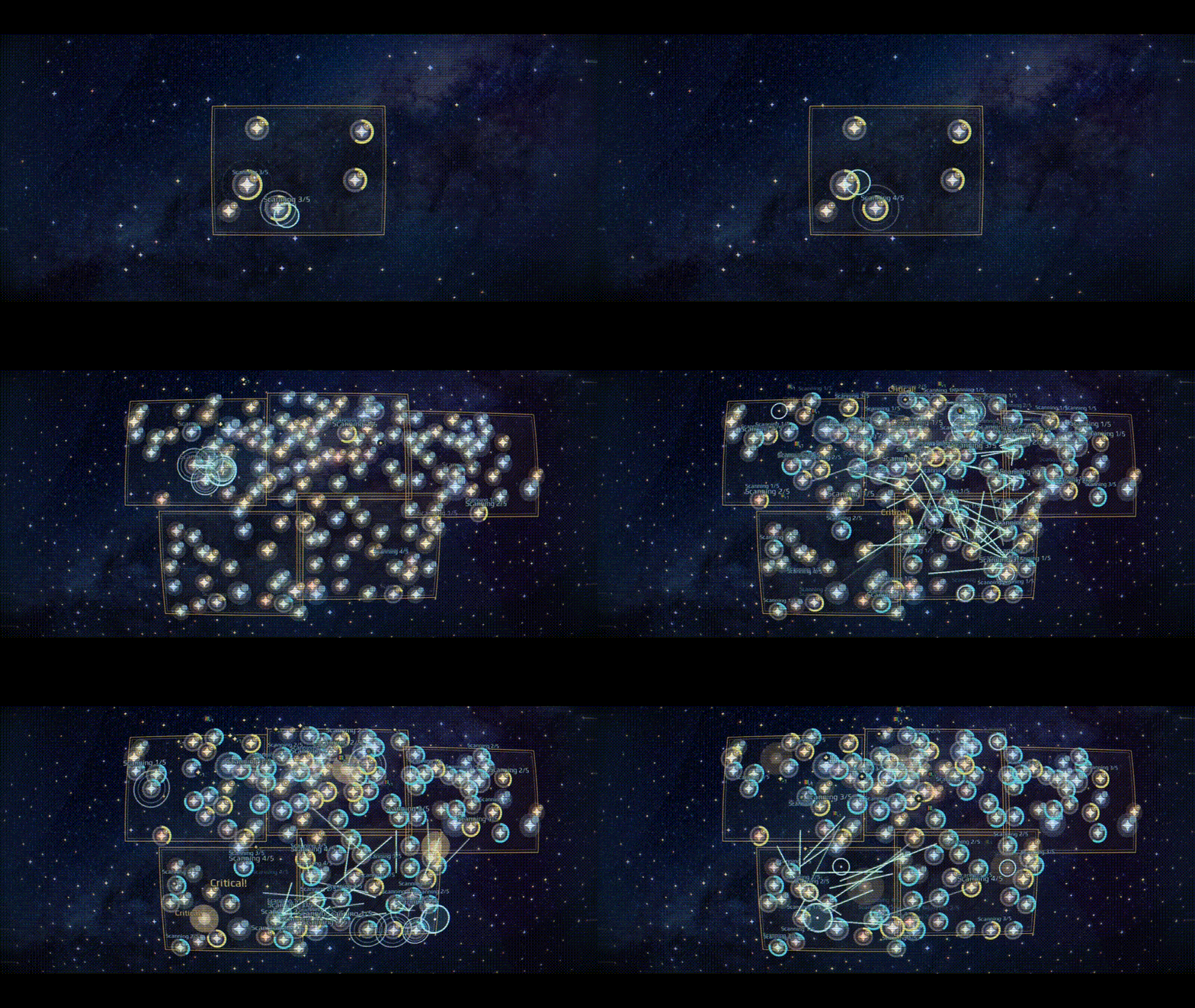
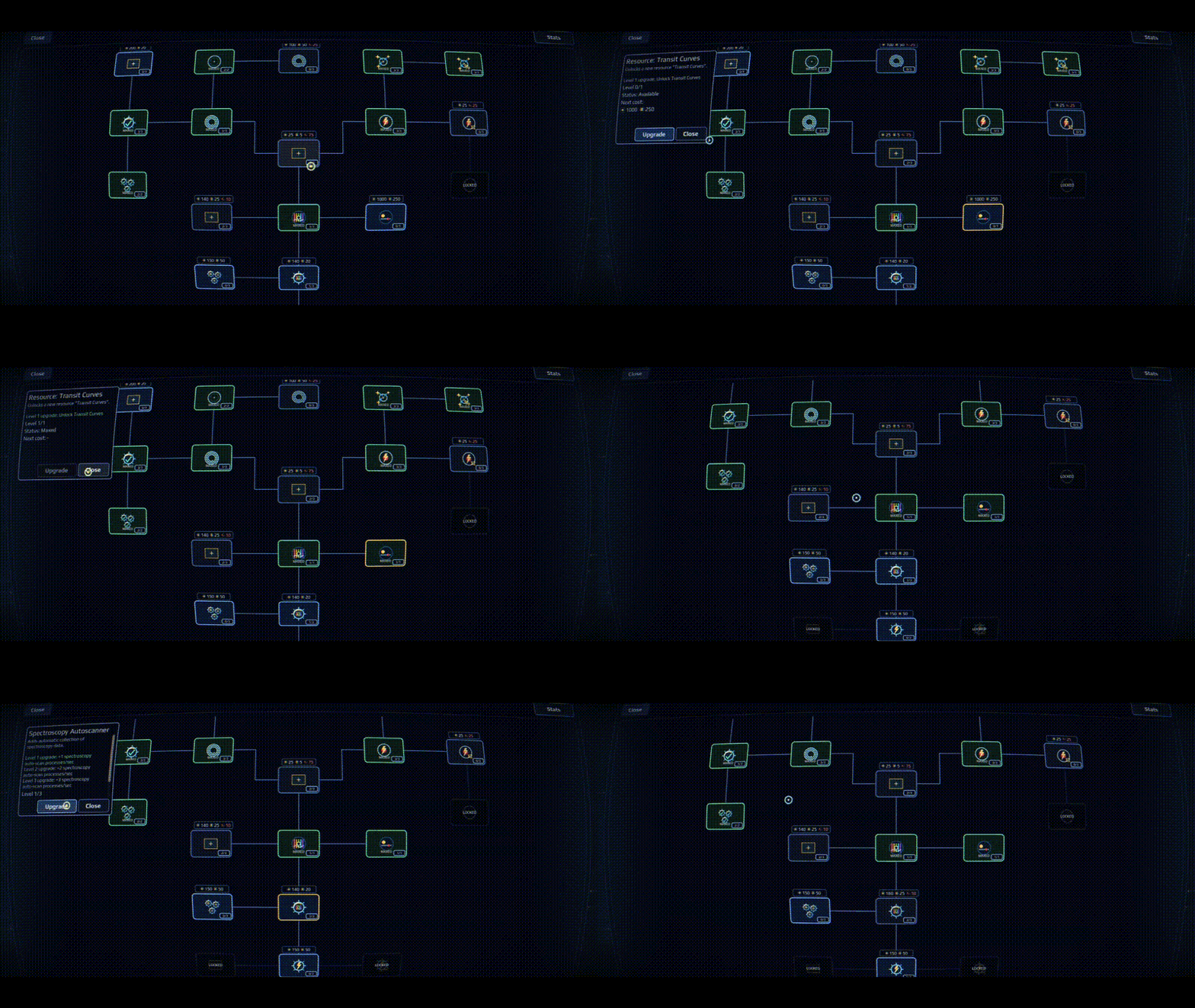
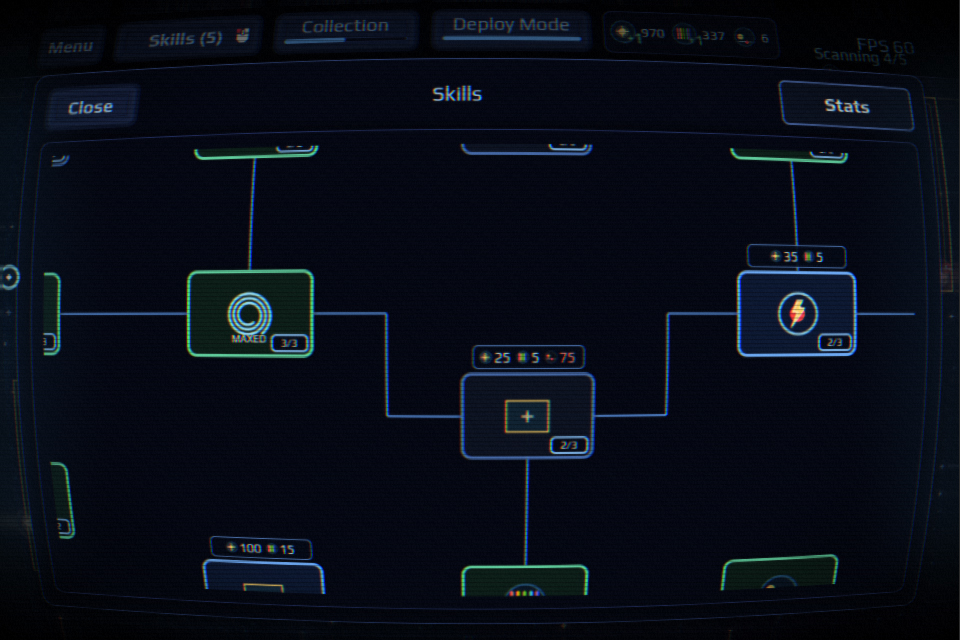
As you progress, you will gain access to photometry, spectroscopy, and the search for transit curves. Forge your own path through the skill tree and gradually transform manual scanning into the massive automated network of your very own observatory.
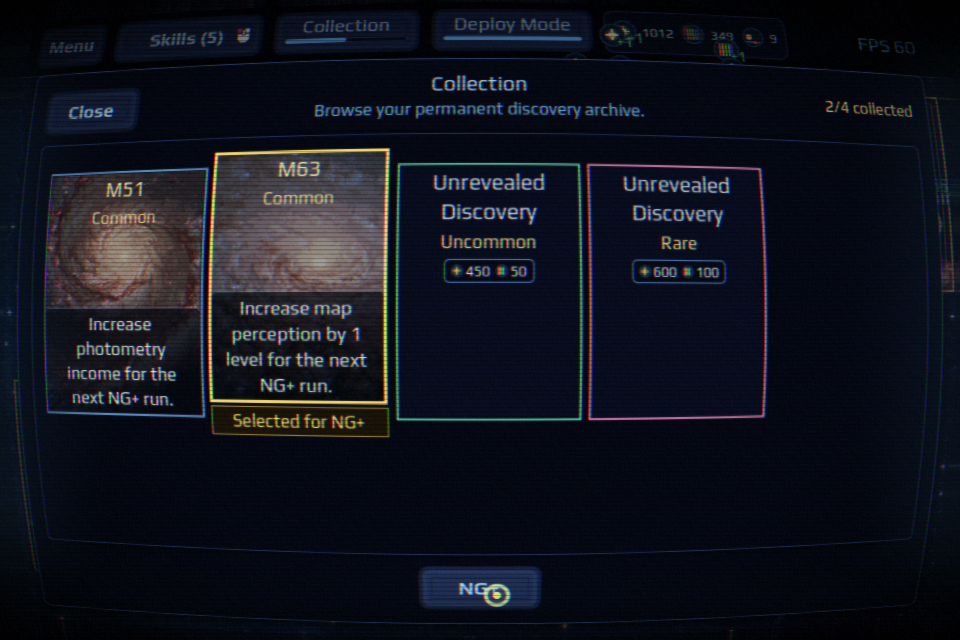
New Game+ and Discovery Cards
In the late stages of the game, a prestige mode becomes available. Your current expedition comes to an end, but your collection of unique discovery cards is kept forever. Choose one of the cards for your next run — it will can change your strategy in the new playthrough!
Controls
- Mouse movement: scan glowing targets
- Mouse wheel: zoom map
- Left click: UI actions and platform placement
Credits
Developer
Alexander Getmanskii — gd, code, writing, art, UI
Audio
Sound effects
| Click / Tick by Squirrel_404 | Creative Commons 0 |
| Little thing by LloydEvans09 | Creative Commons 0 |
| CLICK_143.wav by Jaszunio15 | Creative Commons 0 |
| Item Pickup sound by Strechy | Attribution 4.0 |
| Level Up 01 by mokasza | Attribution 4.0 |
| Level Up 02 by mokasza | Attribution 4.0 |
| Click / Tick / Menu Navigation by Foxfire | Creative Commons 0 |
| monologueBlip8.wav by isaacMedina | Creative Commons 0 |
Music
| Ambient Atmosphere (Brightest Night) by AlexGrohl | Pixabay Content License |
| Still Not Too Late (Suspense Cinematic Piano) by AlexGrohl | Pixabay Content License |
Visual Sources
| Milky Way Galaxy wallpaper by Graham Holtshausen | Unsplash License |
Engine
| Godot Engine | MIT License |
Development log
Comments
Log in with itch.io to leave a comment.
Hi GetSkyGames — Deep Space Observatory’s cursor-driven exploration and evolving scanner systems feel like a thoughtful take on incremental design. We’re inviting a few creators to try an AI game-creation product for free and help test new models. Would you be open to sharing workflow and usability feedback?
I can't see anything in a simple Macbook Pro 13" :(
Hey! Thanks for the heads-up.
I’m aware of the visibility issue on the 13" MacBook Pro — sorry it’s causing trouble for you.
The good news is I’ve already fixed it. As soon as the jam ends, I’ll upload the new version.
Appreciate your patience!
Very original incremental. I really enjoyed it.
the UI is hard to see with the screen warping gimmic
Thank you, valid point. I'll fix after the jam.
The menu buttons are so small I have to be very close to my screen, or I cant see what is ritten.
Thank you for letting me know! I understand how frustrating that is.
Could you please tell me what screen resolution you're using? I'm aware of the UI issue at 2K and above — the buttons do become too small. Unfortunately, I couldn't fix it during the jam, but I will definitely address it after the jam ends. Thanks again for your feedback and patience!
Maxing out parallel scanning reverts it back to only auto scanning one at a time. Also hope for there to be an option to disable the screen bending/distortion to just make it a flat screen.
Thank you for playing the game and for taking the time to share your thoughts!
I’ll be addressing everything after the game jam ends.
Returned to the game and it seems like the single auto scan has been fixed. Probably should have tried refreshing first before commenting.
Edit: The cancel button for new game+ doesnt seem to work.
UI for 4k is too small (I have 200% zoom in my system, however it's ignored).
Thanks for your feedback!
The game currently doesn’t respect system zoom on 4K displays, which can make the UI appear too small. I’ll fix the scaling and improve DPI support after the jam ends.